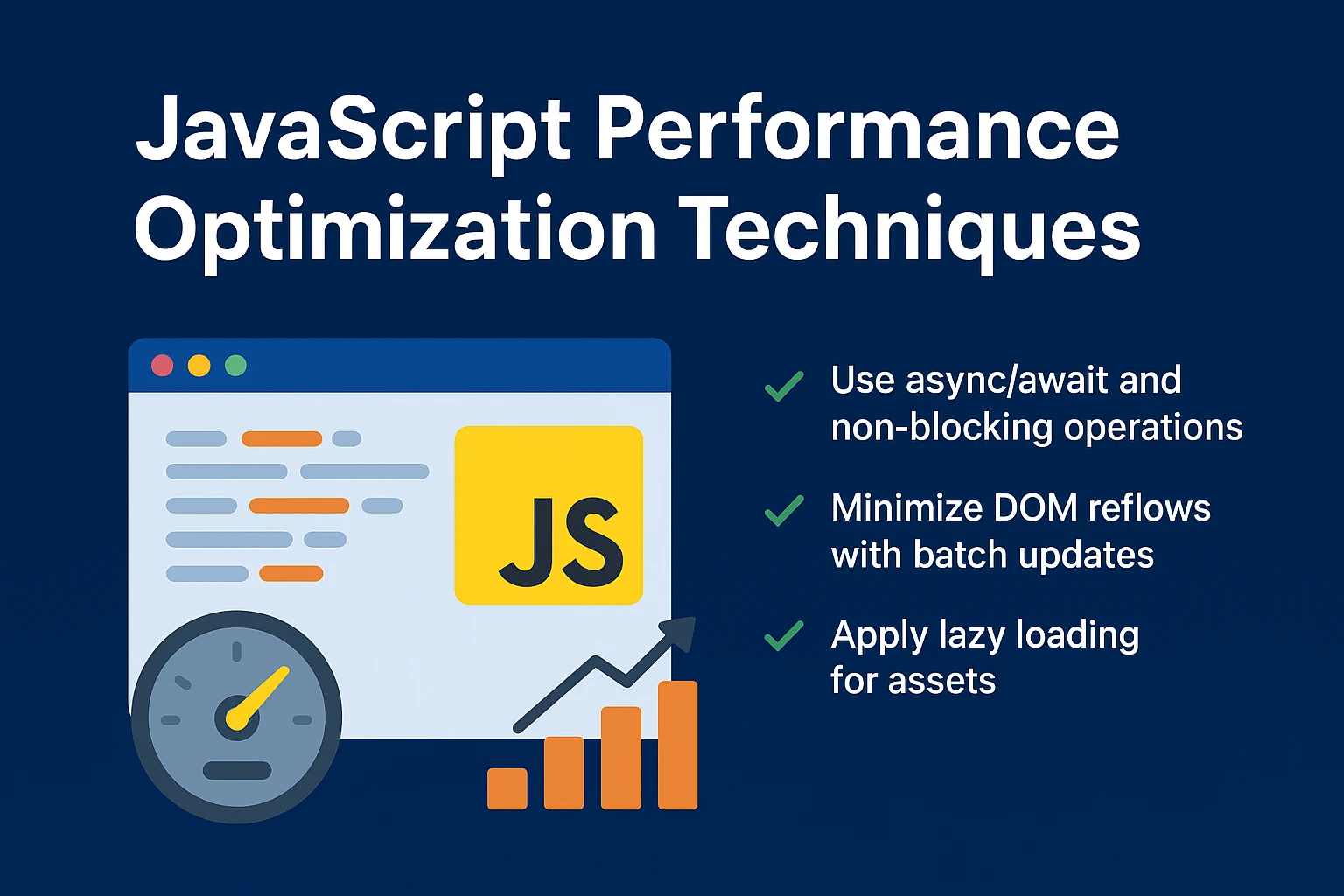
JavaScript Performance Optimization Techniques
Building lightning-fast web applications requires more than minimizing bundle sizes. Runtime execution performance, smooth frame rates, and responsive interaction times directly influence user retention, conversion rates, and Google Core Web Vitals rankings.
📘 Table of Contents
- Understanding the Browser Event Loop & Task Queues
- Debouncing and Throttling Expensive Event Handlers
- Memory Optimization & Garbage Collection Pressure
- V8 Engine Hidden Classes & Inline Caching
- Offloading Intensive Workloads to Web Workers
- FAQ
⚡ Debounce vs. Throttle
Handling rapid browser events (scroll, window resize, live search keystrokes) without control overwhelms the main thread:
- Debounce: Delays execution until user activity stops for a specified delay (e.g., auto-complete search inputs).
- Throttle: Enforces a maximum execution rate, firing once every X milliseconds (e.g., scroll position tracking).
High-Performance JavaScript Engineering
Smooth 60 FPS user interfaces require eliminating main-thread contention and optimizing the browser render pipeline.
1. Debouncing vs. Throttling
- Debounce: Delays execution until user activity ceases (ideal for search auto-complete inputs).
- Throttle: Caps execution frequency to once every X milliseconds (ideal for scroll and resize handlers).
function debounce(fn, delay = 300) {
  let timer;
  return (...args) => {
    clearTimeout(timer);
    timer = setTimeout(() => fn(...args), delay);
  };
}
2. Avoiding Forced Synchronous Layouts
Never read DOM geometry properties (such as offsetWidth or clientHeight) immediately after modifying element styles. Batch all layout reads first, followed by all DOM writes, to prevent layout thrashing.